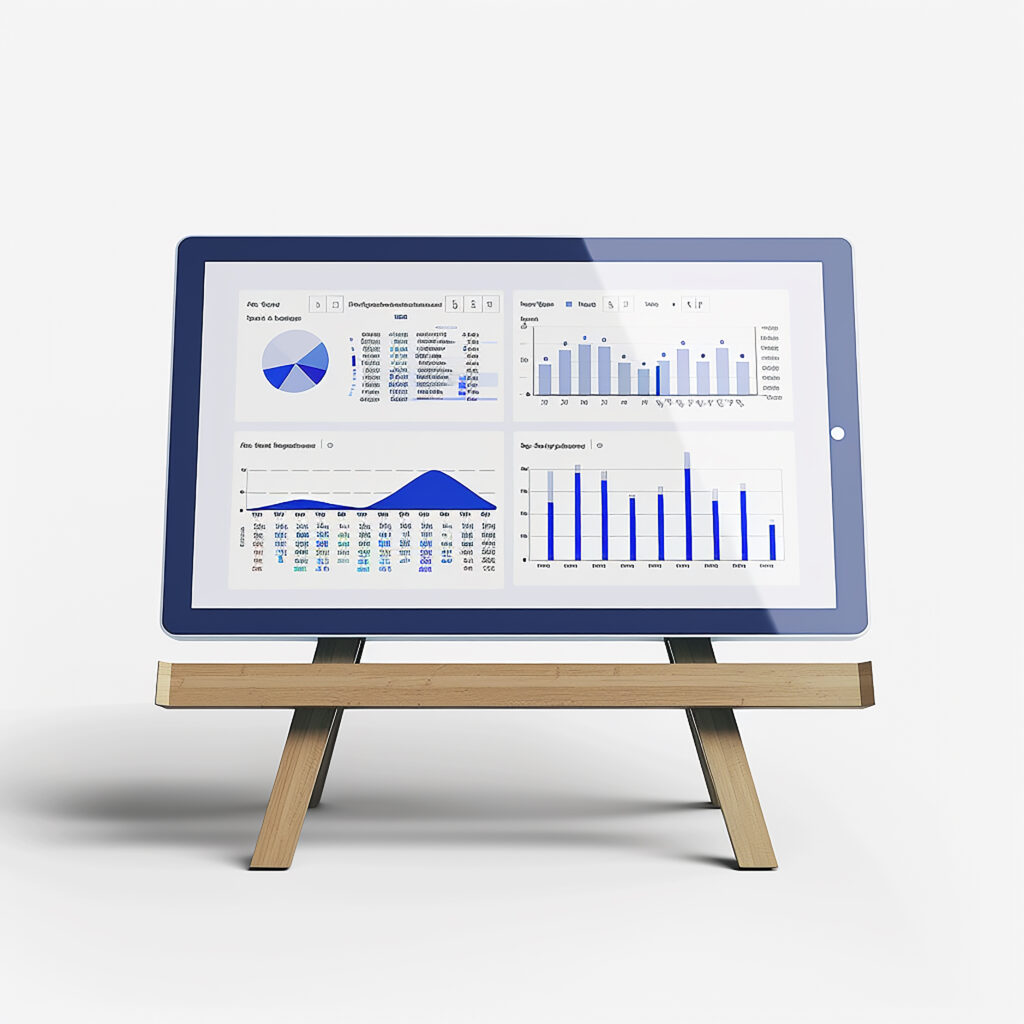
Welcome to the Digital Insights Panel
The Digital Insights Panel is your all-access dashboard for understanding your gameplay style, optimizing your strategy, and comparing your performance trends across popular competitive titles. Built specifically for the LCF Game News community, this feature combines your match data, in-game setups, and progression stats to unlock actionable insights—without the guesswork.
Whether you’re into first-person shooters, battle royales, or esports-level MOBAs, our tool brings clarity to your grind by visualizing trends, highlighting improvement areas, and suggesting precise next steps. Powered by analytical frameworks developed through our LCF Game News homepage expertise, the Digital Insights Panel is your new tactical advantage.

What You Can Do With This Tool
- Track Skill Progression: Visualize your K/D ratios, accuracy, and map win rates over time across supported titles.
- Compare Loadouts: Analyze which configurations deliver the highest win percentages in different play settings.
- Get Game Mode Guidance: Discover which game modes play to your strengths—ranked, casual, objective, or deathmatch.
- Benchmark Against Peers: Compare your stats with top percentile players in your region and bracket.
- Monitor Setup Impact: Understand how changes in frame rate, resolution, or peripherals impact your reaction times and aim sensitivity.
- Capture Regional Trends: See how players in Florida or North America adapt strategies during seasonal or major game patches.
Weekly Intelligence Brief
Three verified signals, one anomaly worth watching, and a forward-looking prediction — curated from this week's data.
RPG Engagement Surging in EU Markets
Session times for RPG titles across Western Europe climbed 23% week-over-week, driven largely by a new wave of narrative-heavy indie releases on mobile.
Short-Form Video Drives Discovery
Titles featured in sub-60-second gameplay clips saw 3.1× higher wishlist conversion compared to traditional trailer campaigns this quarter.
Subscription Fatigue Hits Tier-2 Platforms
Churn on mid-tier gaming subscriptions accelerated to 18% monthly, signalling a consolidation phase as players retreat to 1–2 core services.
Retro Hardware Sales Spike in APAC
Refurbished handheld console sales in Japan and South Korea surged 40% — potentially linked to nostalgia-driven social media campaigns and collector communities.
AI-Generated NPCs Will Become a Selling Point by Q3
At least three AAA studios are quietly integrating LLM-driven dialogue systems. Expect the first major marketing push around procedural NPC personalities before summer ends.
Analyst's Note
This week's signals suggest a market in transition. The EU RPG surge and APAC retro spike share a common thread: players are gravitating toward experiences with strong identity — whether cutting-edge narrative or nostalgic charm. Meanwhile, subscription fatigue indicates the "all-you-can-play" model is reaching saturation faster than expected. Studios that double down on distinctive IP will outperform platform-agnostic content farms through the rest of 2026.
Unlock This Week's Signals
Get the extended analysis, source data, and methodology behind each signal.
Join the Next Briefing
Weekly signals delivered before the market catches on.
Tips for Best Results
- Use at least 5 match reports to unlock trend insights.
- Include your true system settings—the tool factors hardware into performance graphs.
- Capture screenshots in well-lit fullscreen when uploading images.
- Use the same control settings across weeks for accurate comparisons.
- Select the correct game patch version when prompted—it affects meta analysis.
- Customize your nickname per session to keep privacy while still exporting progress.
- If bandwidth is limited, use the lightweight upload mode for low-res logs.
Privacy, Data Handling, and Cookies
Manual uploads and URL inputs are processed server-side but are not stored beyond 24 hours unless you opt to save your profile insights. We anonymize all incoming data by stripping usernames, IPs, and metadata on upload.
If you choose to track progress between sessions, cookies will store a hashed session ID to link trends—not user identities. You can clear or disable cookies anytime without losing uploaded reports. For full details, refer to our Privacy Policy.
All uploads are encrypted at rest and purged after seven days if not manually saved.
Accessibility and Device Support
The Digital Insights Panel is keyboard-navigable and screen-reader friendly. Visual graphs include text descriptors, and UI elements avoid color-only cues. It functions across modern browsers and adapts to tablets and mobile screens.
If you’re on a metered connection, try our fallback mode: a downloadable PDF checklist for session prep and stat logging, available at our Analytics Research Studio.