
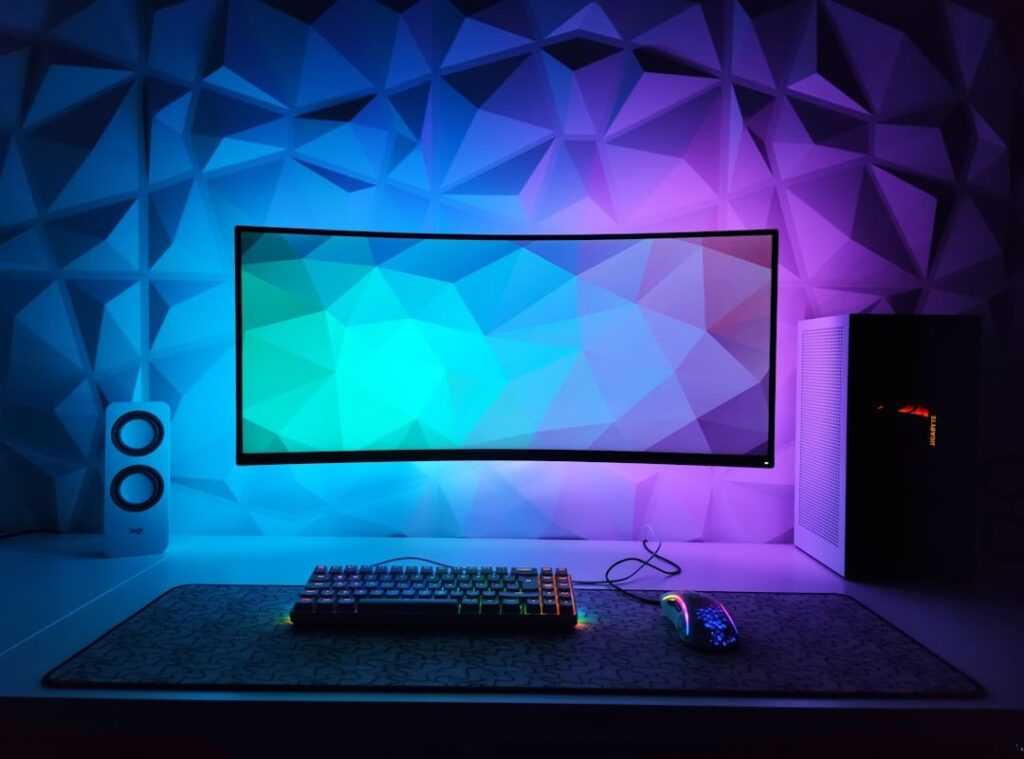
Ever been in the middle of a gaming match, adrenaline pumping, only to have your frame rate drop to a snail’s pace? It’s the worst, right? I’ve been there, too.
That’s why I dove headfirst into the world of PC setup gaming. This guide is here to save you from that frustration. We’ll clear up the chaos of gaming computer configuration.
No more guessing. I’ve spent countless hours analyzing what makes a rig truly great (not) just good, but esports-champion great. Trust me, I live and breathe performance.
You’re getting a step-by-step walkthrough to cut through the marketing nonsense. Technical jargon? We’ll leave that behind.
Just the stuff that boosts real gaming performance. Ready to stop guessing and start dominating? Let’s build your perfect gaming PC together.
Your Mission Briefing: Defining Your Gaming Goal
What’s the best PC setup for gaming? Trick question. There’s no single “best” setup because it all depends on what your specific goal is.
First thing’s first: nail down your goal, and everything else will fall into place.
Are you “The Esports Grinder”? You need high refresh rates, think 144Hz or higher, and a 1080p resolution. Your focus is on a killer CPU and GPU for smooth and stable FPS in games like Valorant or CS:GO.
Anything less and you’ll be cursing your setup mid-match.
Or maybe you’re “The 4K Story Explorer.” Your priority is a solid GPU for visual fidelity, ray tracing, and the most immersive experiences possible. (Cyberpunk 2077, anyone?) Single-player titles like Alan Wake 2 are your playground.
Then there’s “The All-Rounder.” You’re not looking for extremes but a balanced experience across various games. It’s like having the best of both worlds without breaking the bank.
Once you define your goal, you’ll avoid unnecessary expenses. No point in splurging on parts you won’t use, right? While you’re at it, check out the best audio settings immersive gameplay to boost your experience.
Choose your path wisely!
The Brains and the Brawn: CPU & GPU Combo
Imagine your gaming PC as a changing duo. The CPU is the brains, handling game logic, physics, and instructions. Then there’s the GPU, the brawn, rendering those stunning graphics that make your jaw drop.
It’s like a world-class chef (the GPU) waiting on a plodding prep cook (the CPU). If the prep’s too slow, dinner’s ruined, right? Same deal here.
Bottlenecking happens when one part can’t keep up. The CPU’s pacing back and forth, stressing while the GPU taps its foot. Ever experienced lag during a key moment?
That’s probably a bottleneck.
Now, let’s talk PC setup gaming. It’s all about balance. You need to match the brains and the brawn so neither’s left waiting.
For an Esports Grinder, you don’t need top-dollar gear. A mid-range CPU like an AMD Ryzen 5 or Intel i5 gets the job done. Pair it with a solid but not too over-the-top GPU like an RTX 4060 or RX 7600.
The sweet spot here is 1080p, and hey, who doesn’t love a good budget-friendly option?
Now, if you’re a 4K Explorer, gear up. You want a solid GPU like the RTX 4070 Ti or higher. This is where the brawn takes center stage.
But don’t skimp on the CPU. You need something that can keep pace. No one likes lag when exploring vast, beautiful landscapes.
Just imagine the view from the peak in a game like “Horizon Zero Dawn.” You want it crisp, not a pixelated mess.
Pro tip: If you want to build your own custom gaming pc, start with the GPU that fits your needs, then match the CPU to it. It sounds simple, but it’s where most go wrong. Don’t let the prep cook ruin the chef’s masterpiece.
Improve wisely.
The Supporting Squad: RAM, Storage, and Motherboard
Let’s talk about the real MVPs of your PC setup gaming. The unsung heroes that make your CPU and GPU shine like the stars they are. I’m talking RAM, storage, and the motherboard.
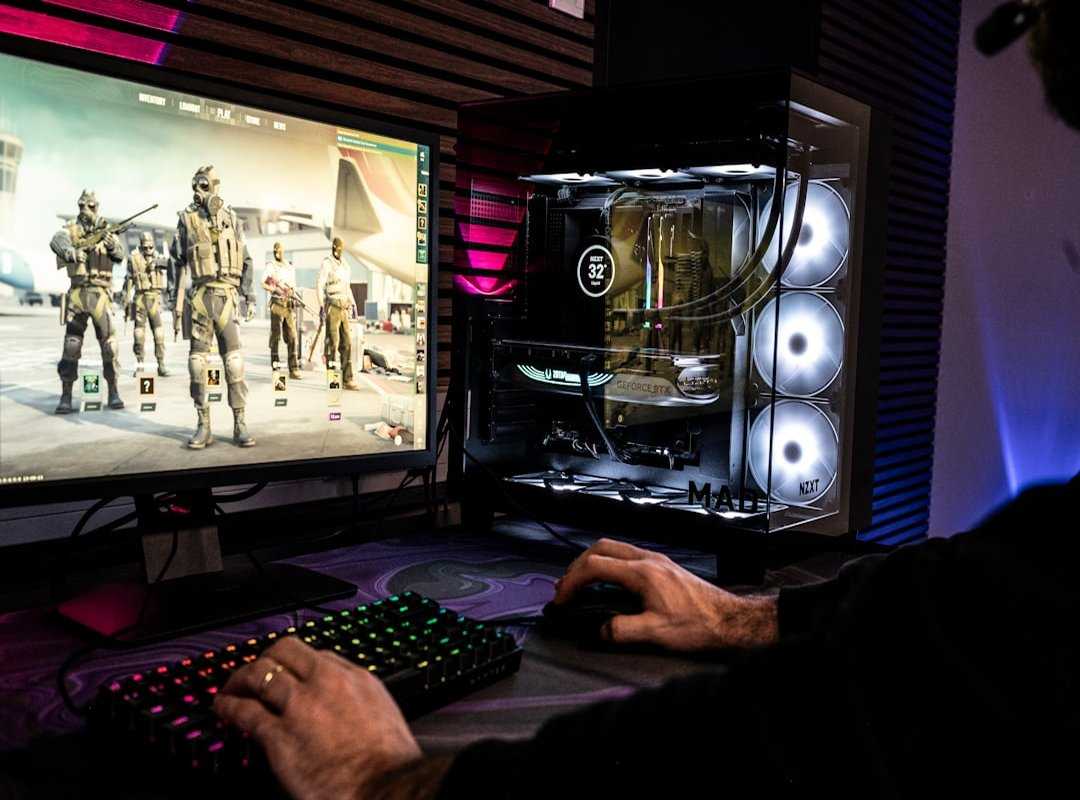
These parts might not get the glory, but try gaming without them. Spoiler: it’s not pretty.
Starting with RAM. Why’s 16GB the sweet spot for gaming? Simple.
It handles everything you throw at it and then some. But if you want to future-proof your setup, 32GB is the way to go. Trust me, you’ll feel the difference when you’ve got a dozen Chrome tabs open while streaming.
And don’t forget about RAM speed (measured in MHz). A faster RAM can boost FPS, especially if you’re pairing it with a CPU that loves speed.
Now, storage. Load times matter. Seriously, who has time to watch loading screens?
An NVMe SSD is your best friend here. It’s like switching from dial-up to fiber optic. Your OS boots faster, games load quicker, and you’ll wonder how you ever lived without one.
But for your game library, a larger HDD or a SATA SSD does the trick. It’s the perfect compromise of speed and space.
Finally, the motherboard. The command center of your system. Choosing one isn’t as daunting as it seems.
Match it with your CPU socket (AM5 for AMD or LGA 1700 for Intel), and focus on features you need. Wi-Fi, M.2 slots, whatever makes sense for you. No need to overspend on bells and whistles you’ll never use.
And if you’re looking for the console setup best visual quality, check that out too. It’s all about getting the most out of what you have. So, gear up, pick wisely, and let your PC thrive with these unsung heroes at the helm.
The Armor & Power Core: Case, Cooling, and PSU
Ever thought about your PC case as more than just a box? It’s the armor for your components. You need good airflow, not just flashy lights.
A hot PC is a slow PC. Trust me, no one wants that, especially when you’re knee-deep in an intense gaming session.
Now, let’s talk cooling. Air coolers versus AIO liquid coolers. What’s the scoop?
Air coolers are simple and effective. Most builds? Totally fine with them.
They save you money and keep things from getting too complicated. You don’t need to dive into liquid cooling unless you’re pushing your hardware to its limits. But hey, if you’re into that kind of thing, go for it.
Just know what you’re getting into.
Ah, the PSU. This is the one piece you should never skimp on. Imagine putting cheap fuel in a race car.
Exactly. A quality PSU from a reputable brand gives you system stability and safety. Look at wattage and efficiency ratings like 80+ Bronze or Gold.
They matter. Because when your PC setup gaming rig is running at full throttle, you want to know it’s powered by something reliable.
In the end, don’t just throw parts together. Think about how they work. How they affect each other.
Your case, cooling, and PSU? They’re not just parts. They’re the backbone of your gaming rig.
Choose wisely.
Your Gaming Gear’s Secret Weapon
Building the ultimate gaming rig isn’t about buying the priciest gear. Instead, it’s about knowing which parts work together to create harmony. It’s like a symphony, but with GPUs and CPUs.
I know, building a PC setup can feel like trying to decode an alien language. But guess what? You’ve cracked it.
With this guide, you have the tools to power through any game with a killer PC setup gaming plan.
Your mission is clear. Assemble your rig and crush the competition. Ready to dominate the leaderboards?
Start building now and unleash your true gaming potential.
 Kylor Xevandor